Using Journal Apps to Capture Your Travels
Your Secret Scrapbooking Weapon: Your Phone
If you’ve ever come home from a trip, sat down at your craft table with a pile of photos, and thought “wait, where exactly WAS that little café?” or “what day did we visit that cathedral?” — this post is for you.
Today we’re talking about using your phone’s built-in journal app to capture all of the details of your trip that make your album pages come alive, as you travel. No more vague photo captions or mystery locations. Just rich, beautifully documented memories ready to be turned into stunning layouts.
Meet Your New Trip Companion: Journal Apps
Both Apple and Google now have dedicated journaling apps designed to do a lot of the memory-capturing for you, while your traveling. For scrapbookers, these apps are pure gold, especially when it comes to travel albums.
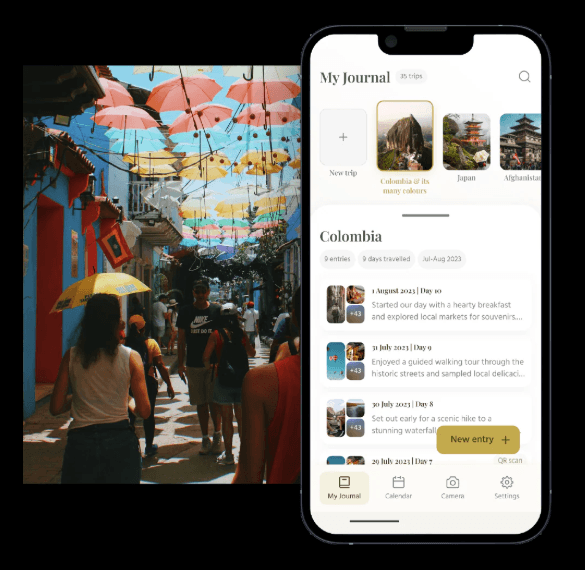
Apple Journal
When you create a new entry on your iPhone, the Journal App provides writing suggestions by grouping different data from your phone. For example, a prompt may bundle photos taken with their location pinned on a photo of a map. Imagine finishing a day of sightseeing and opening your journal app to find it has already assembled your photos from that morning’s market visit, pinned the location on a map, and is ready for you to write a few sentences about it. (Mind blown!)
The journal app also provides writing and daily reflection prompts. Suggestions are derived from recent activity, like places you’ve visited, photos you’ve taken, step counts during walks, and more. Your entries translate beautifully into journaling that will capture the essence of your trip.
Save Time with Voice-Recording
You can also record your voice directly into your Apple journal and have it transcribed automatically. Voice-record yourself describing the sounds of a bustling souk or a quiet mountain village — then use that transcription as the basis for your page journaling later! Never again will you forget important details.
Apple Journal is included on iPhones with iOS 17.2 and later.
Google Pixel Journal
For Android users, Google launched the Pixel Journal app which prompts users to fill out journal entries. It can suggest writing prompts based on memories, past entries, or your goals, and you can add photos, locations, and activities to an entry alongside logging your mood.

The mood-tracking feature is a delightful bonus — imagine looking back at your layout for a rainy day in Amsterdam and seeing a note that you felt cozy and content. That’s the kind of detail that breathes life into the journaling on your pages.
Google Pixel Journal is found on Pixel 10 and later Android devices.
How to Use These Apps for Your Travel Album

Here’s a simple routine to build while you travel:
- Each evening, open your journal app. Let the suggestions populate — your photos, locations, and activity data will already be grouped into meaningful “moments.”
- Tap a suggestion and jot a few sentences. You don’t need to write an essay! Even 2–3 lines about what you saw, smelled, tasted, or felt is plenty.
- Add the map pin. Always drop a location tag — this becomes your caption reference later.
- Use the writing prompts. If you’re stuck, the app will offer prompts like “What surprised you today?” or “What’s one thing you want to remember about this moment?” Pure scrapbook journaling gold.
- Back home at the craft table, open your journal entries alongside your photo editing app and let those notes guide your layout titles, journaling blocks, and photo selections.
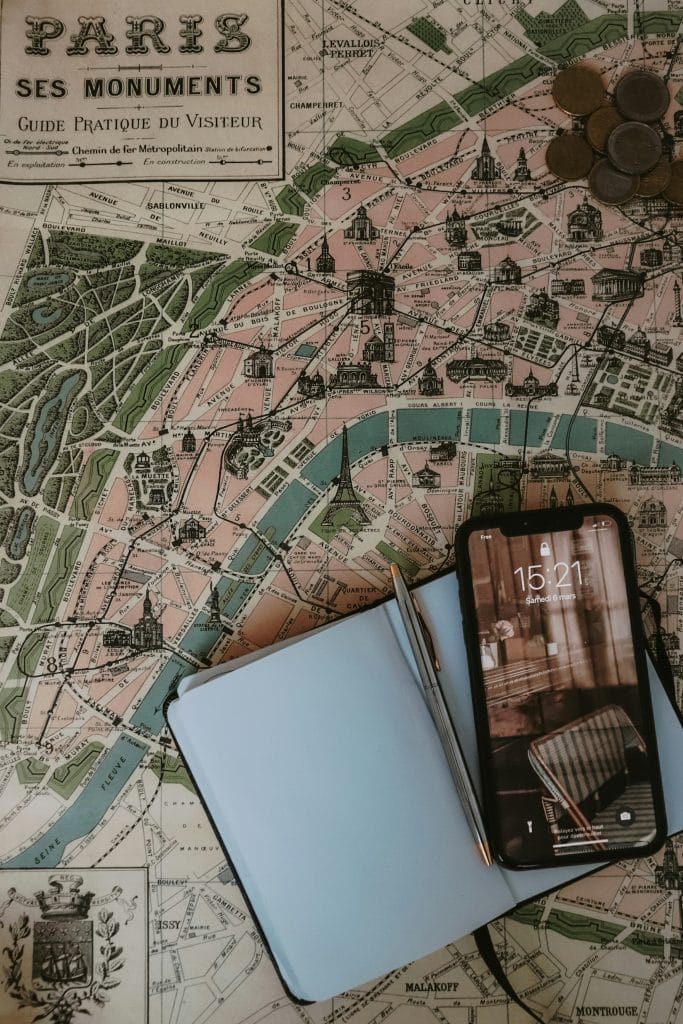
Want A More Scrapbook-Focused App?
Apple Journal and Pixel Journal are fantastic starting points and they should already be on your phone. However, if you want even more travel-specific features, here are some brilliant alternatives:
Day One — Rated best for writers who want a private, text-focused digital diary that happens to work beautifully during travel. It also integrates with Apple’s Journaling Suggestions App, so iPhone users get the best of both worlds. Free to start; premium subscription available.
Journey — This app includes a standout feature called “Atlas” which maps your entries by location — turning your journal into a visual travel log. It works on both Android and iOS as well as Windows computers and Macs. Perfect if you craft on both your phone and your laptop. Free version available; $29.99/year for premium.
Polarsteps — If route mapping is your thing, Polarsteps excels at plotting your journey on a map with automatic GPS tracking, creating a visual line showing every kilometre you travelled. Great for road trip albums! Free.
Travel Diaries — Built by actual travel journalists, this app includes a digital scrapbooking feature where you can add “sticky boxes” to leave space for handwritten notes, plane tickets, and other mementoes. It even lets you export your journal as a print-ready coffee table book. Free to start.
The Bottom Line for Scrapbookers
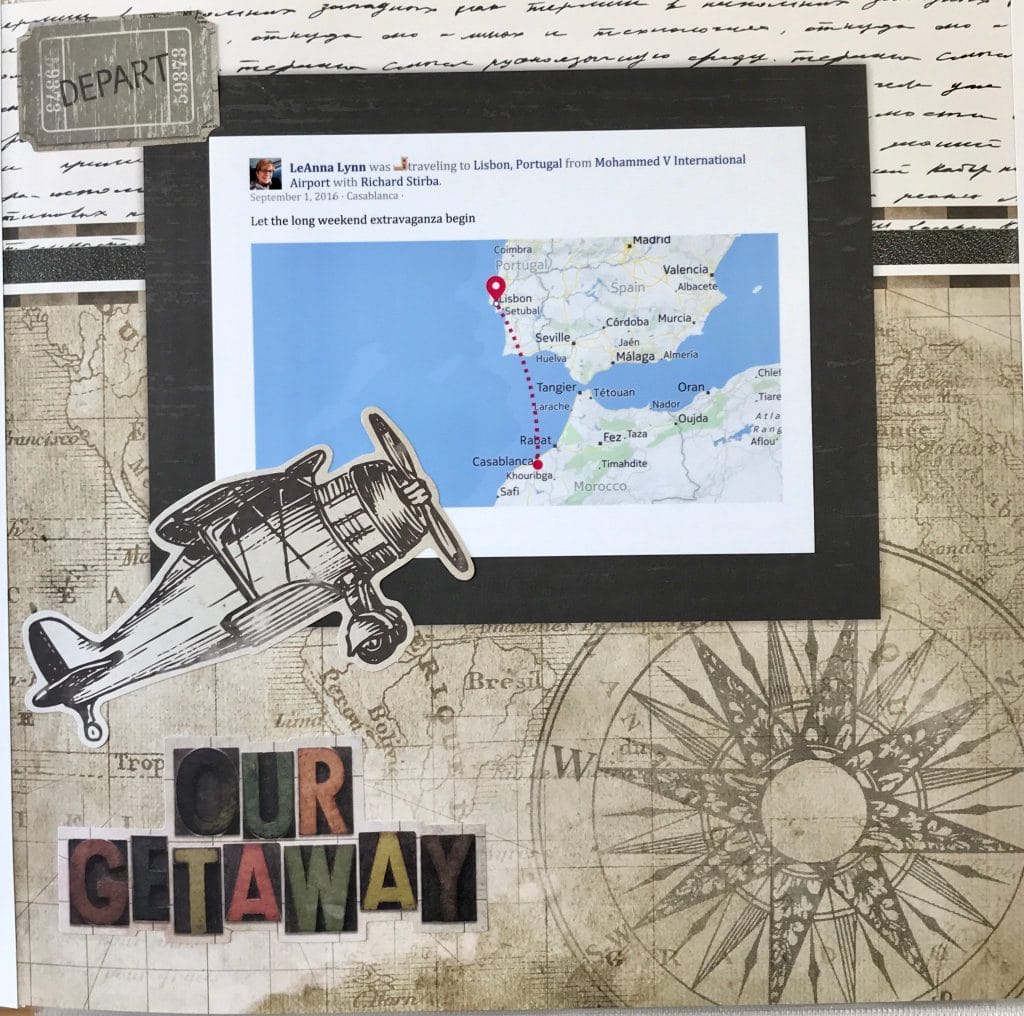
Your phone is with you every step of your travels — make it work for your craft! A few minutes of journaling each evening means you’ll come home with not just photos, but the stories behind the photos. And as every scrapbooker knows, that’s where the real magic lives.
New Travel Album Workshop Launching Summer 2026
This summer, I’ll launch a new Travel Album Workshop. The format of my workshops combine pre-recorded video, live events, and an active on-line community with oodles of resources, tips and designs. These workshops are designed to help you complete albums, not just pages!
Sign up to be notified when this new workshop launches:
Happy scrapping (and adventuring)!
Have you tried journaling on your phone during travels? Tell us your favourite tips in the comments below!